You’ve been tracking your hours worked with the Collabox timesheet for a while now and you realize that you often do the same type of activity (service to use Collabox language). Collabox allows you to specify a “default service” for each of your employees. In this way, the time entry is faster.
How to create a service
Before creating a service, you must first define it for your company. They can correspond to specific types of activities or even functions, for example graphic design, coordinator or bookkeeping. Making the difference between a project and a service is essential.
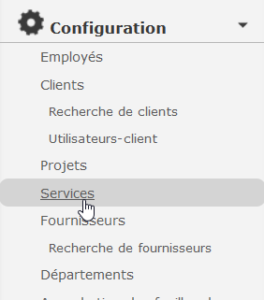
To configure services, click on the “Configuration” menu, then select “Services” from the list on the left.

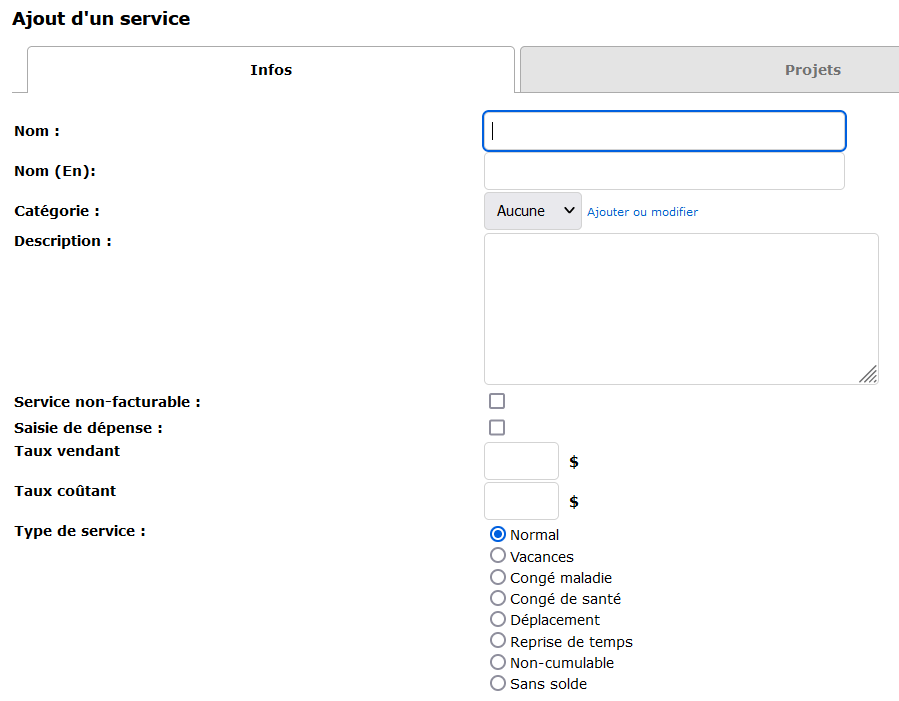
Add a service by clicking on the option of the same name at the top left of the screen.

Then, fill in the customizable fields for your service.
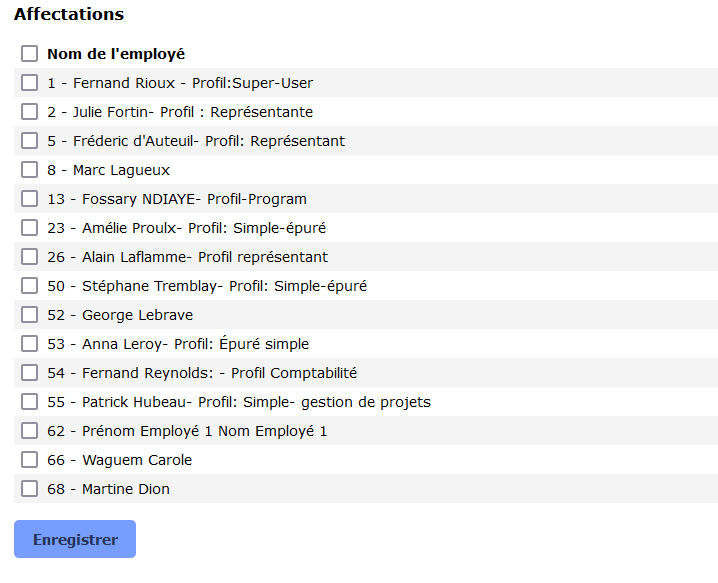
Don’t forget to assign the employees targeted by your department! Save your data, then repeat until all your services are created. It is possible, at any time, to create new services and modify assignments.
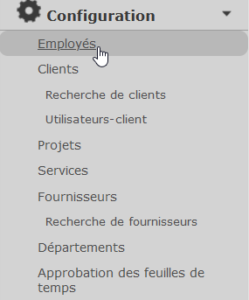
To specify a default department, first go to the “Configuration” menu, then select “Employee” from the list at .
Then click on the name of the employee whose department you want to set as default. Go to the Services tab and select the desired default service. Don’t forget to click on Record !



