The “Contacts” module is now available in mobile version at Collabox! We have completely redesigned the mobile display to give you something simple and compact. The new interface therefore allows you to do a quick search among all your contacts, but also your employees and suppliers.
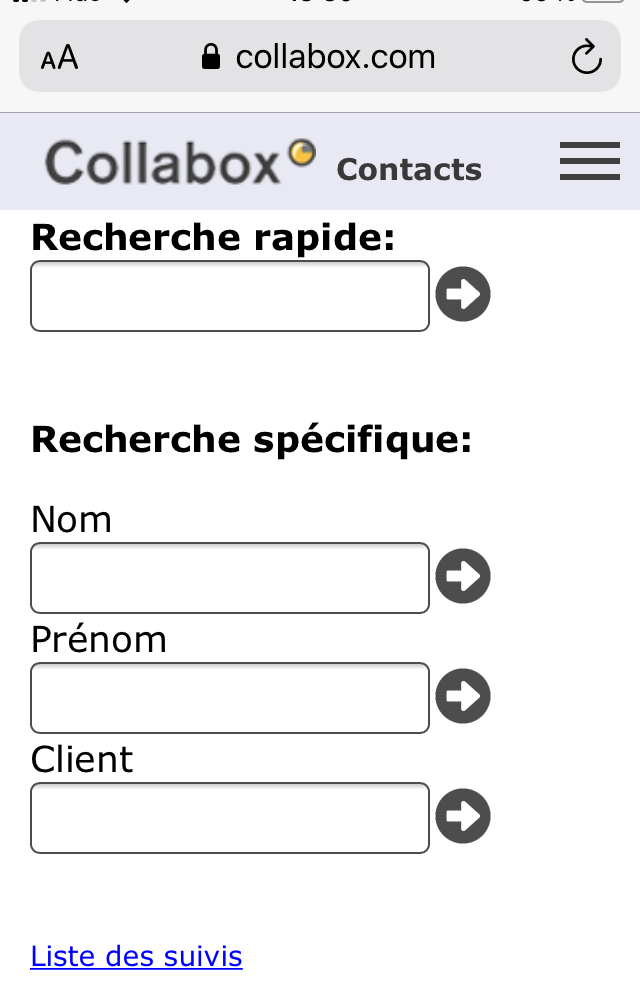
Take advantage of Collabox mobility to access your data on the go now!
Contacts module on your mobile
The first step is to connect to Collabox from your mobile. Then, you just have to click on the icon of the “Contacts” module located at the top of the page in the menu bar.

You are now in the new CRM interface for the contacts module. The easiest way to search is to use the quick search. To do this, all you have to do is enter the desired information in the search bar. It is also possible to use the fields “First name”, “Last name” or “Customer” to carry out your search if you wish to limit your search to this field.
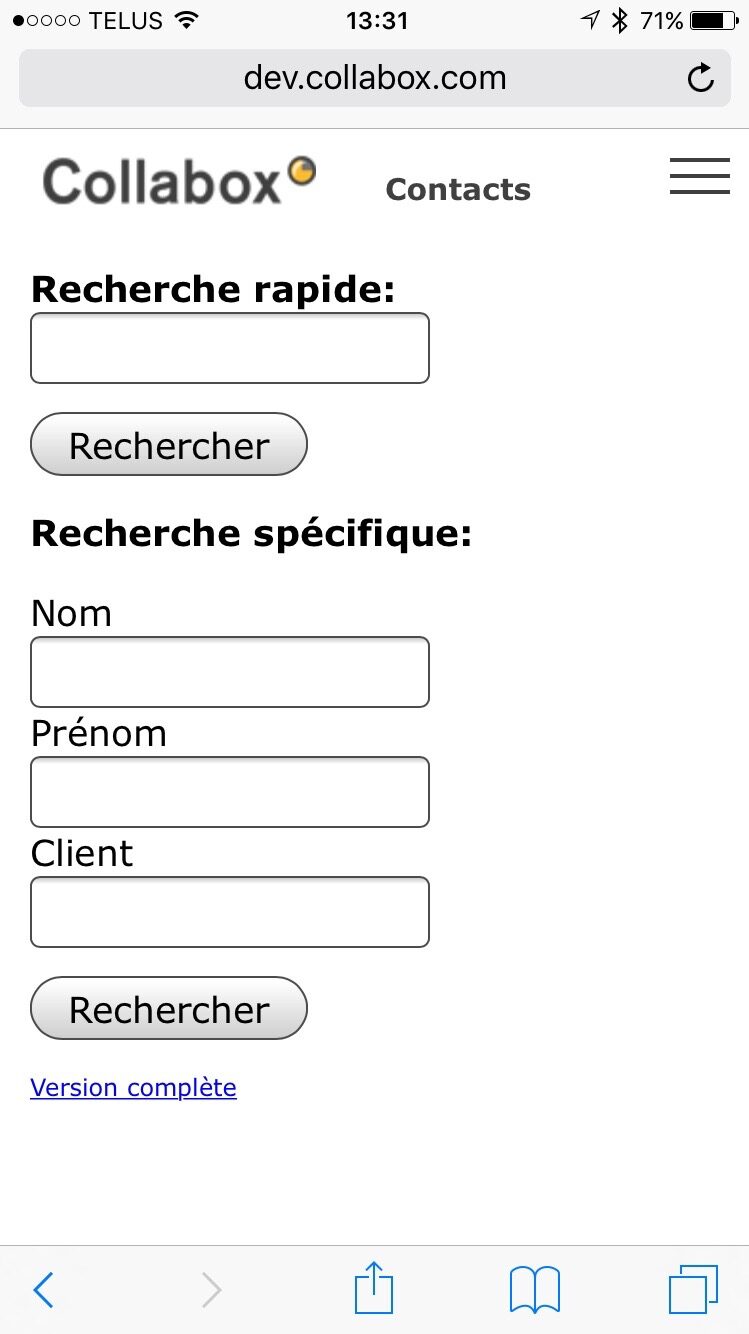
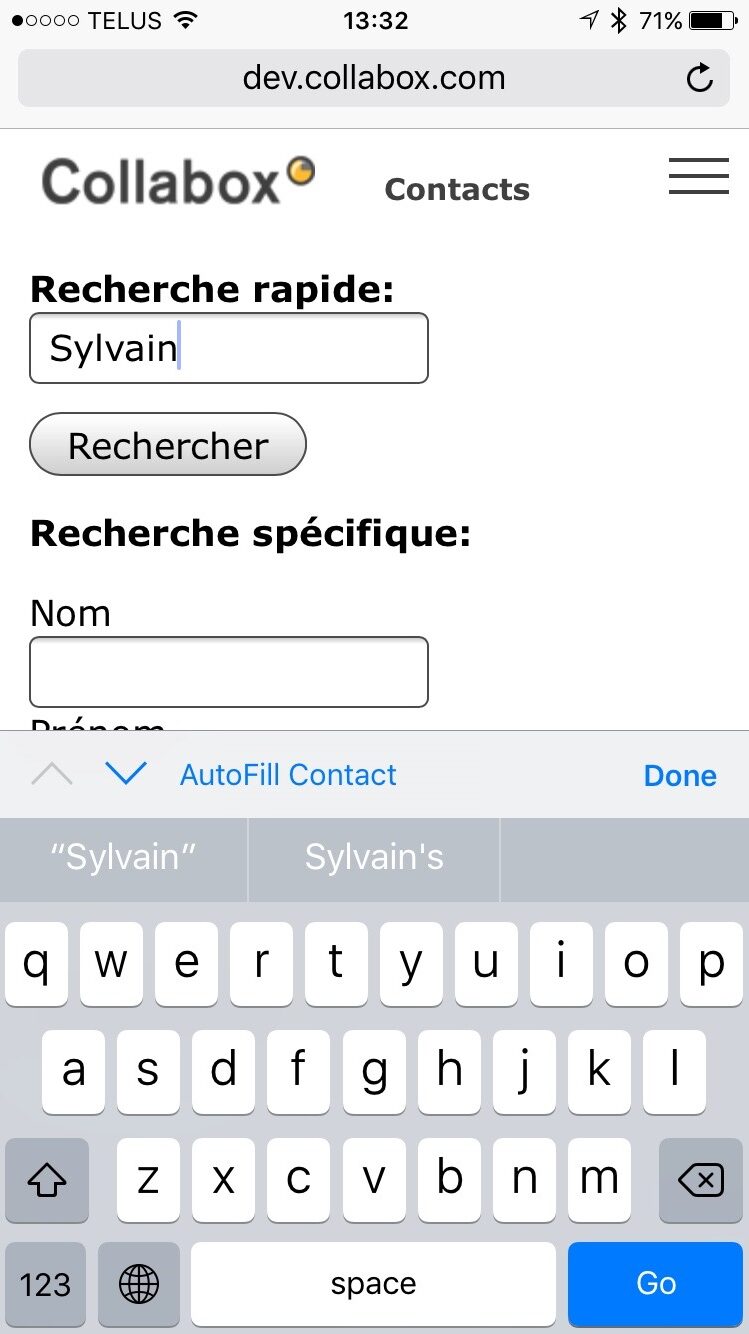
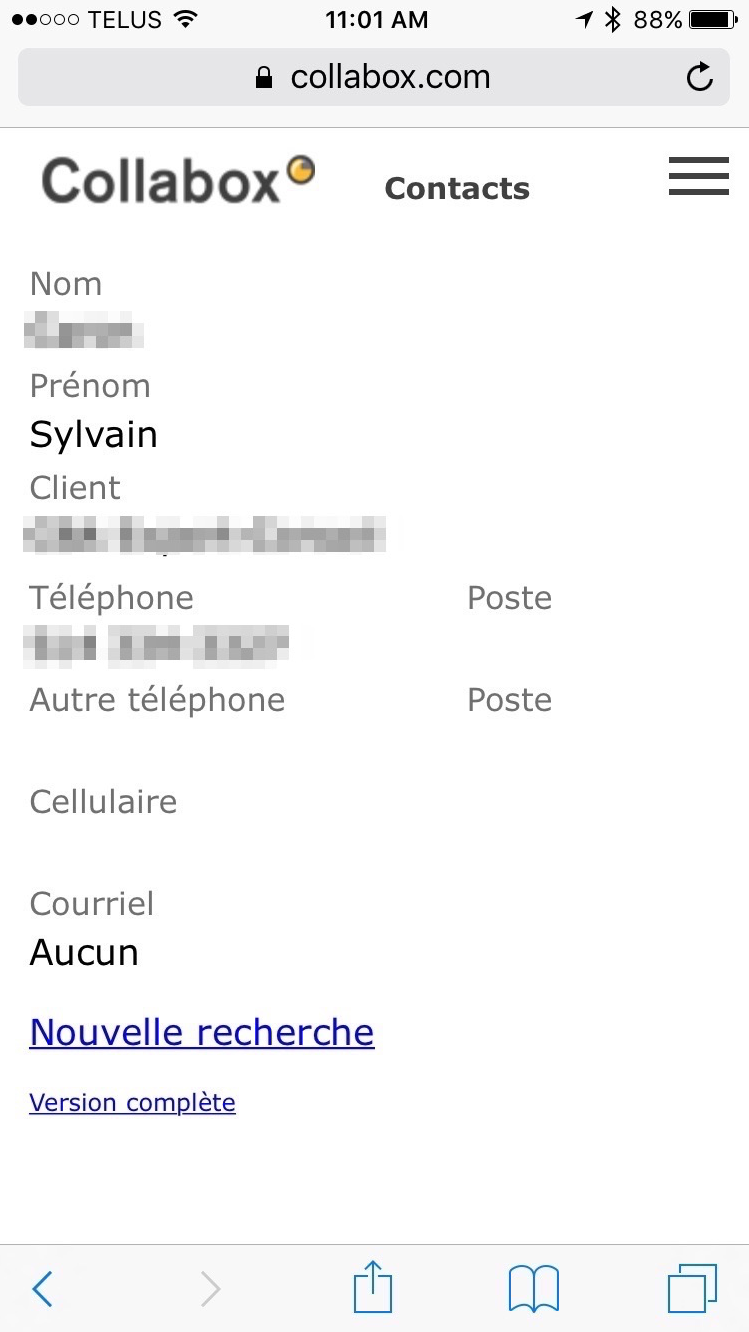
After starting the search, you will see all the results of your search. Click on the contact you wish to see for more information.
If you have any questions at all, you can contact us and we will be happy to answer your questions. info@collabox.com (418) 907-9274


