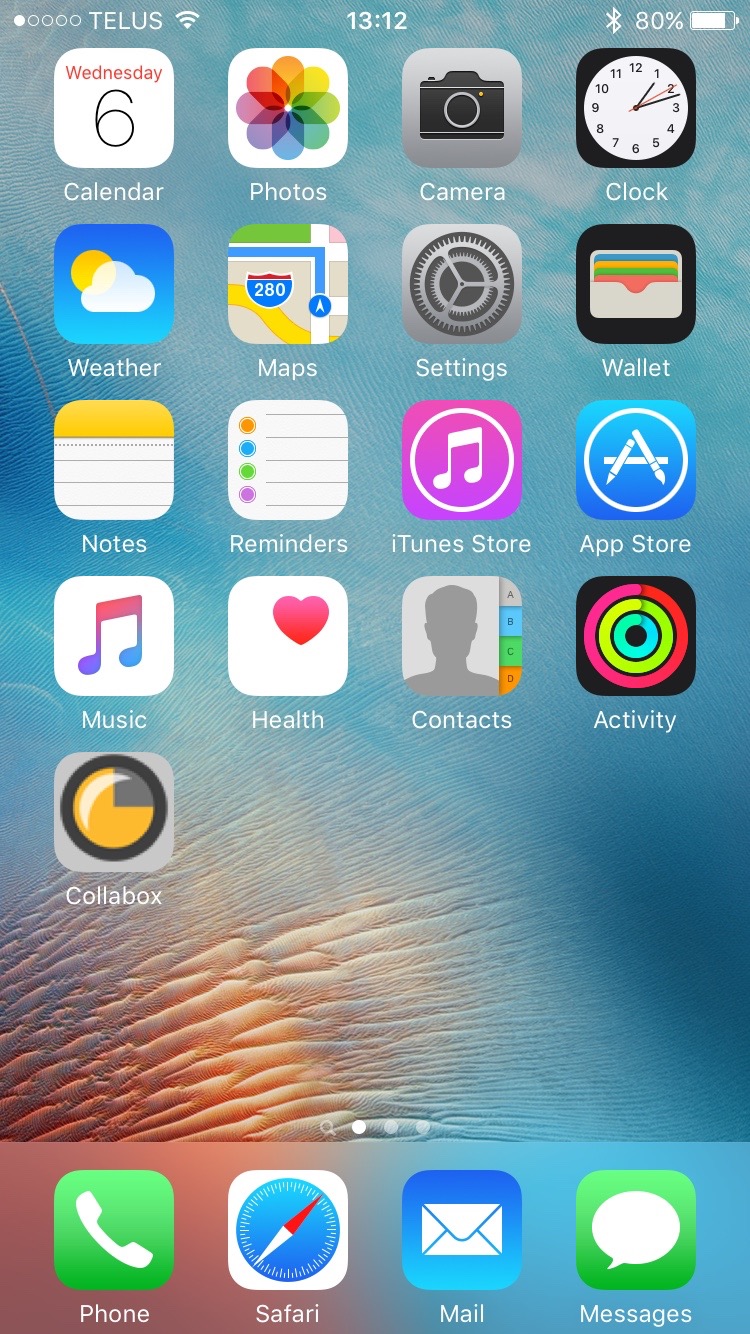
The production schedule. This impossible dream of many companies is accessible thanks to Collabox! A simple display shows you the projects due, the staff assigned and the time worked.
To display this dream tool, open your calendar in Collabox by clicking on the Calendar icon at the top of the page. Then select Projects from the drop-down menu. Don’t forget to click on Okay !
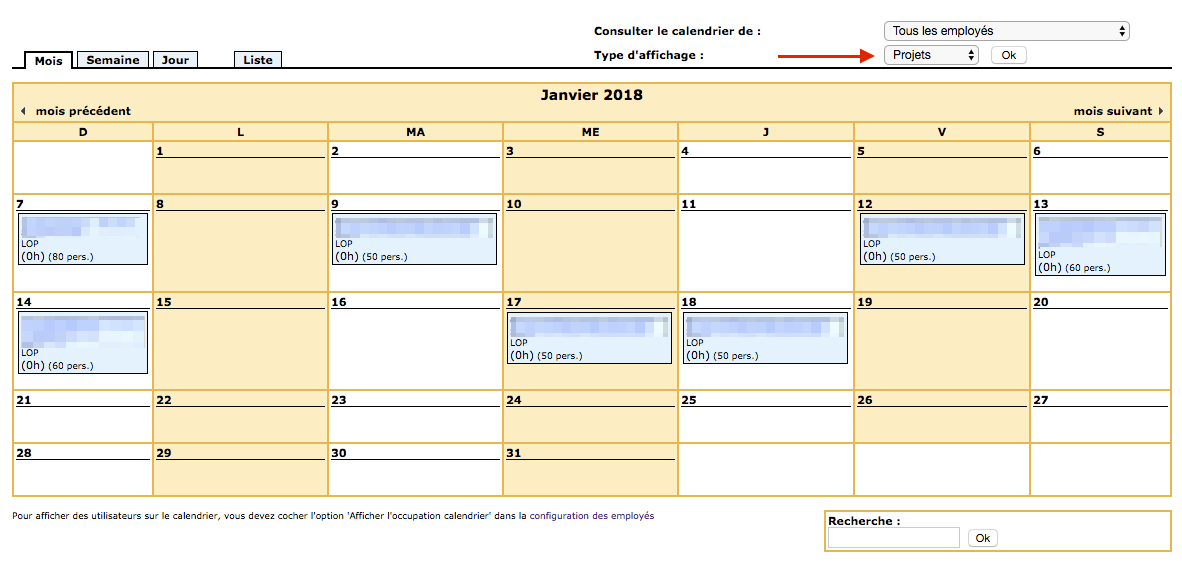

Zoom on the box of a project delivery deadline
Configuring projects for calendar display
You must first open or create a project. Then, indicate the delivery date of the project as well as a maximum number of hours authorized for your employees.
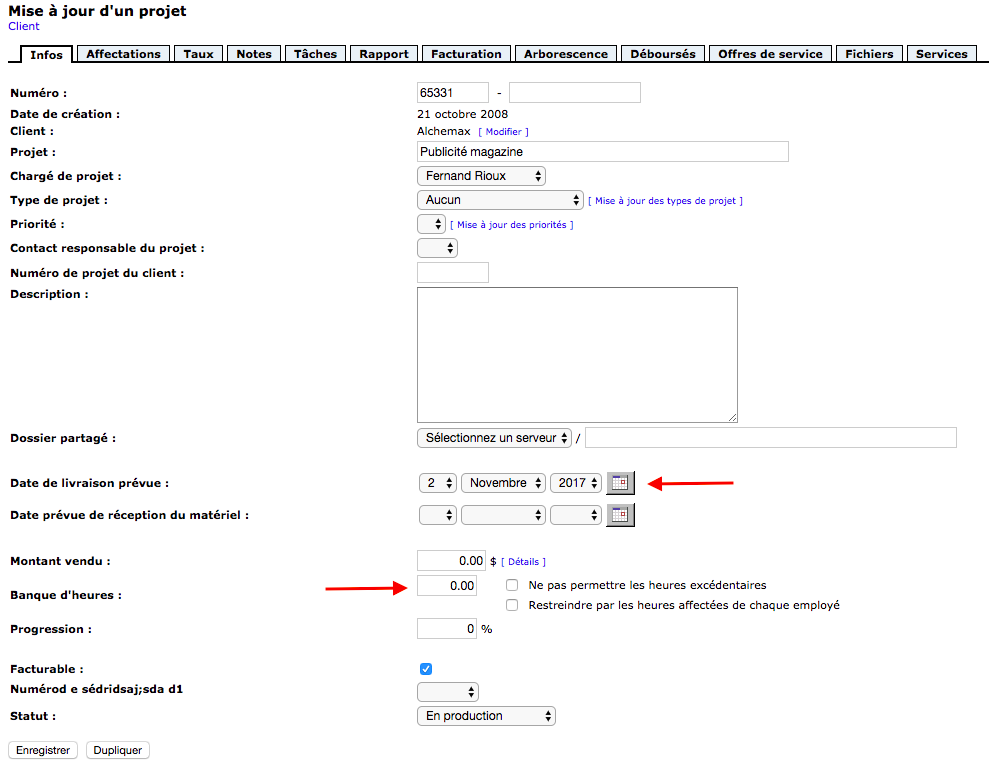 Page Updating a project
Click on the tab Assignments and select the employees associated with the project.
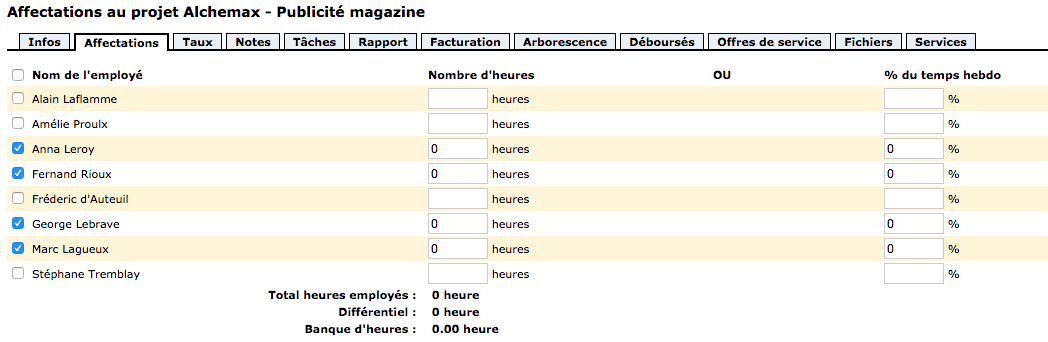 Page Project assignments[nom du projet]
And There you go ! Your production schedule is born.
Do you often consult your production schedule? Create a shortcut to access it quickly! To do this, create a tab on your homepage with your iOS or Android mobile device or tablet.
Watch several videos on our Youtube channel and visit our Tips and Tricks section in the Blog to continue your Collabox configuration!
If you have any questions, please contact us and we will be happy to answer you.