The Applicant Management module offers you several functions to manage applications in a recruitment context for your company or for external mandates.
It allows you to centralize all the information about your candidates’ profiles and to manage the different stages of recruitment.
The file: CANDIDATE
The “CANDIDATE” form has several fields for entering information: the candidate’s general contact information, the types of interventions related to the recruitment process, the candidate’s relevance, the“appointment” tab that allows you to schedule an appointment directly in the form and link it to the Collabox calendar.
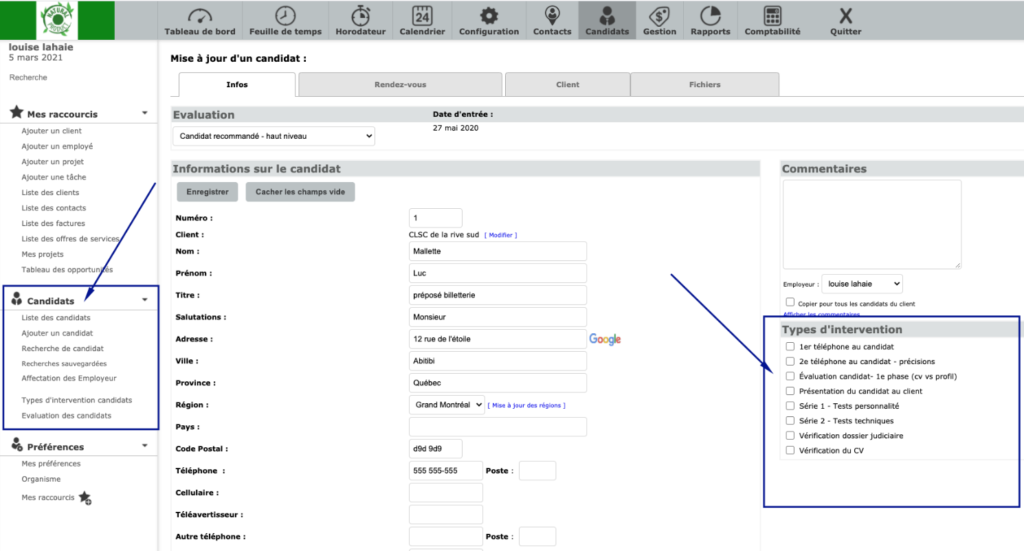
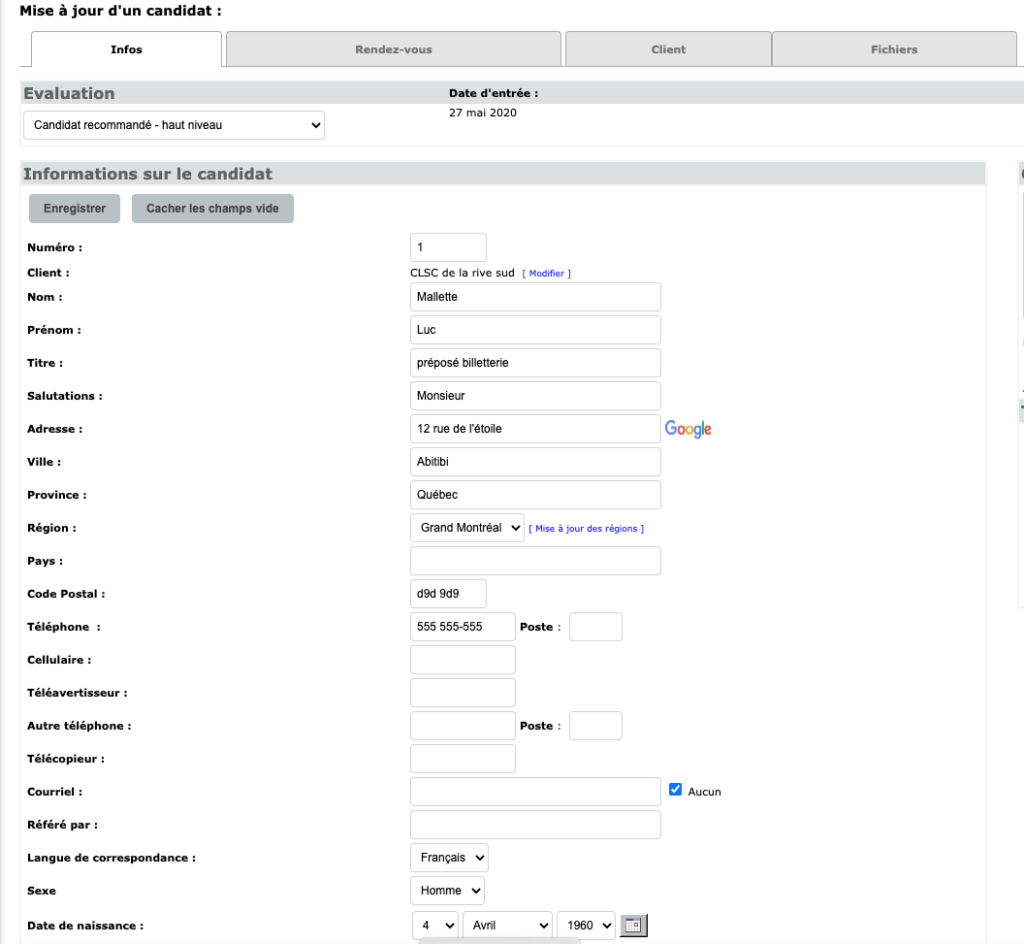
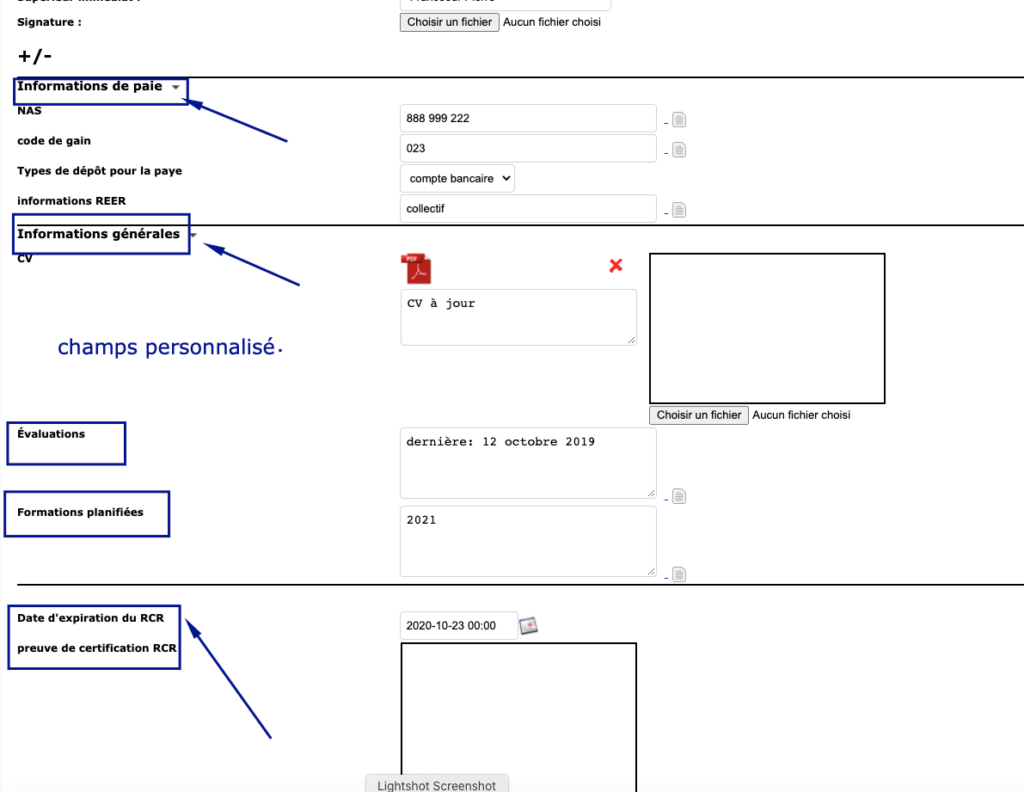
In the candidate’s file: you can add custom fields according to the information or documents you want found there.
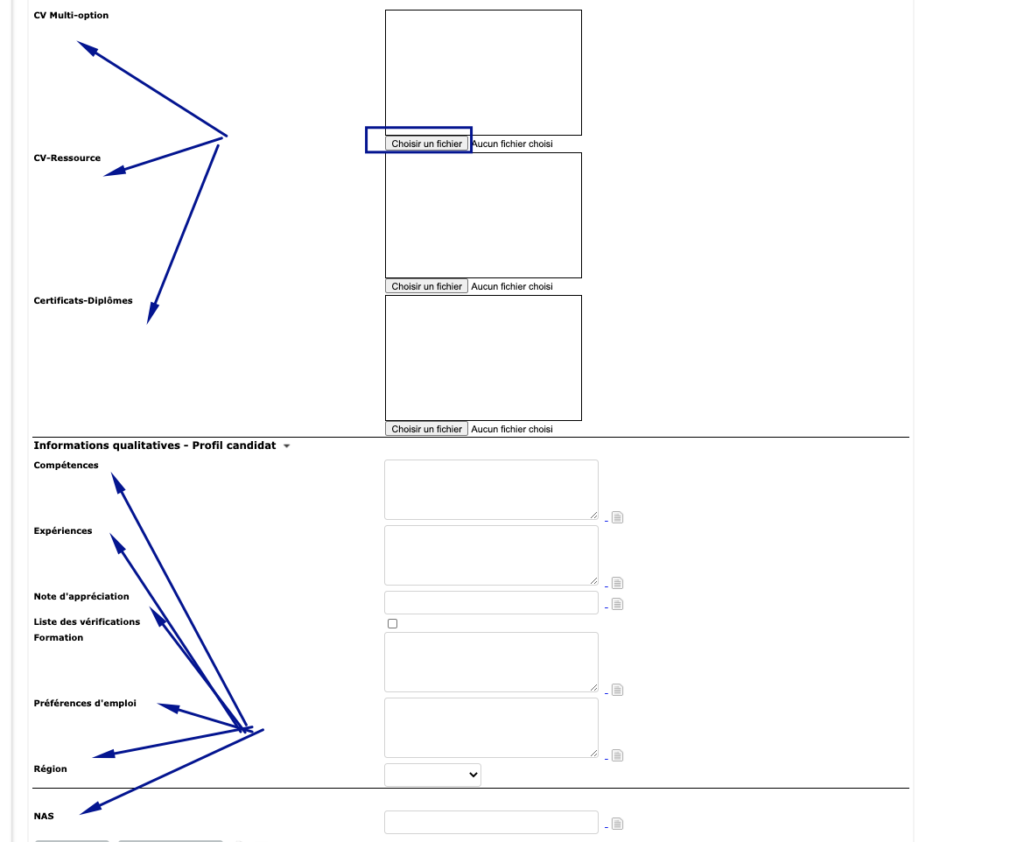
Examples of custom fields below: a field to obtain the CV, a text field that describes the skills required, information related to the candidate’s experience, grades, job preferences, the region where the candidate lives . In short, depending on your situation and your needs, you have everything you need.
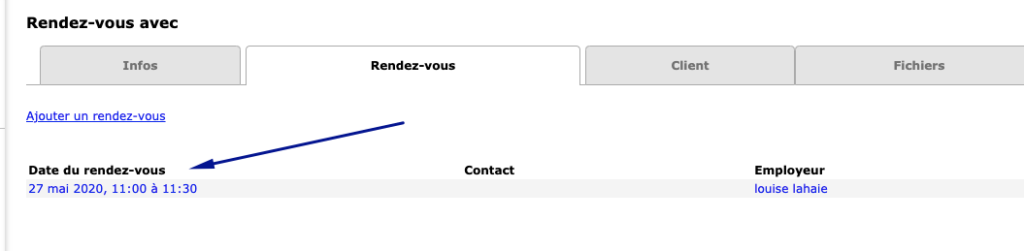
Directly from the candidate’s file you can plan your appointments. They will then appear in the Collabox calendar. In addition, you can program alerts by email or sms to remind you of this appointment.
Candidate management
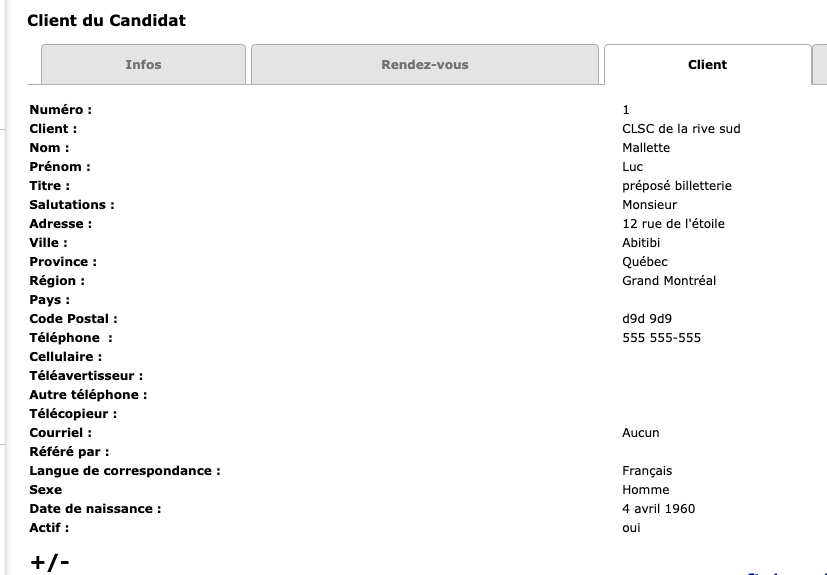
You are recruiting for another company or branch, or department, you have a summary of the information of this “client”.
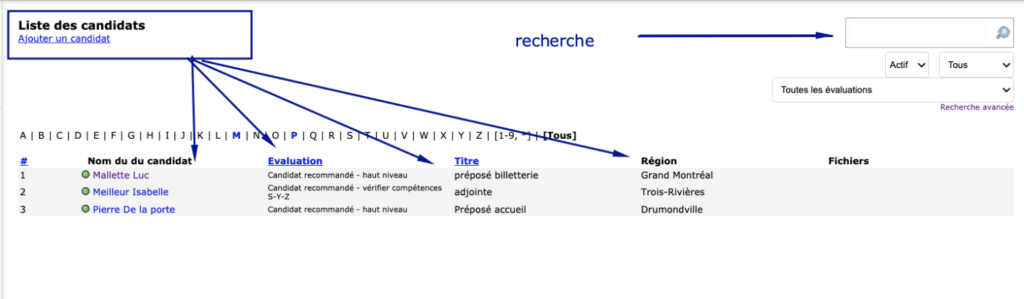
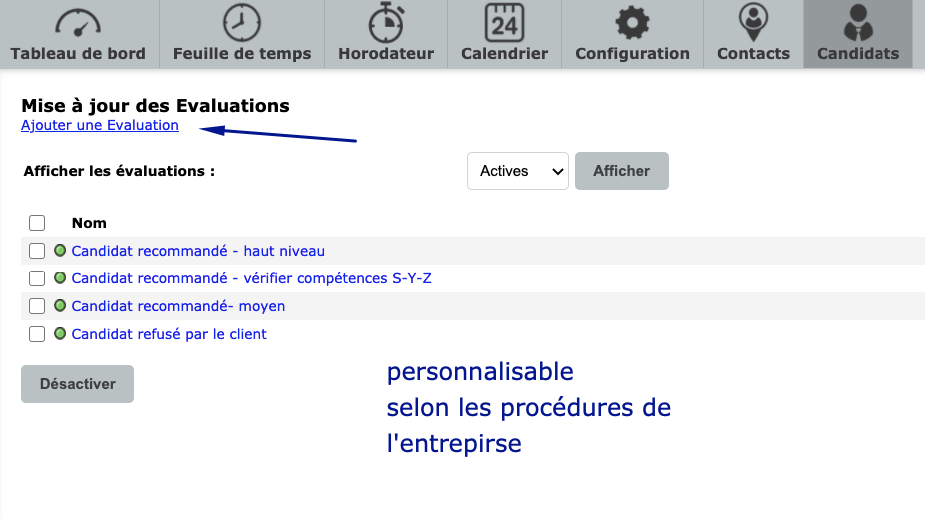
The list of candidates displays several information: the name of the candidate, a type of assessment (which you yourself will have determined beforehand), the job title, the region.
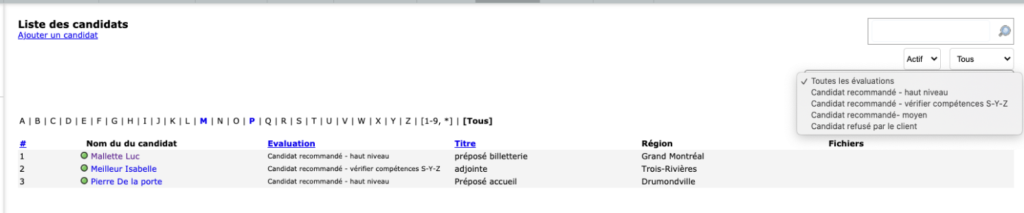
Advanced search of your candidates
You can also search for candidates by type of assessment, or by name.
THE EMPLOYEE FORM
The employee record of the Recruitment Management module also allows you to have a detailed employee record to manage your own human resources.
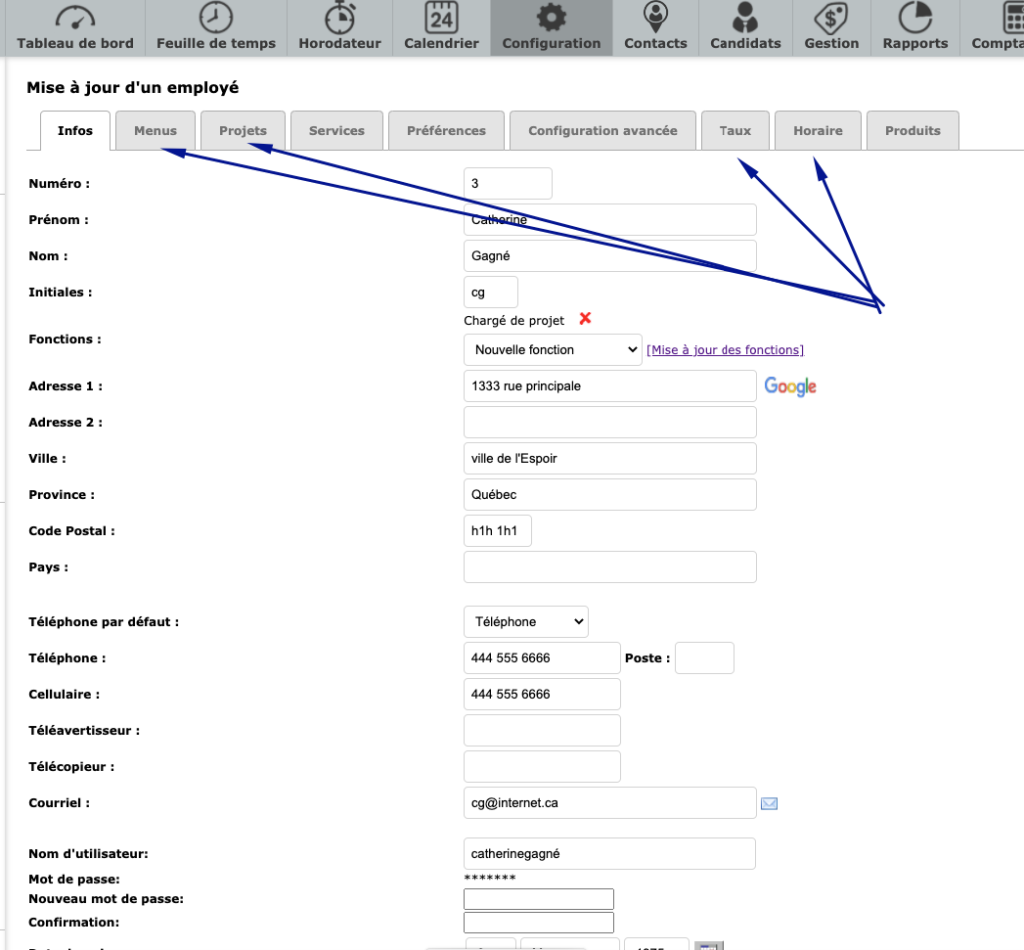
In the employee record, you can add additional custom fields as needed.
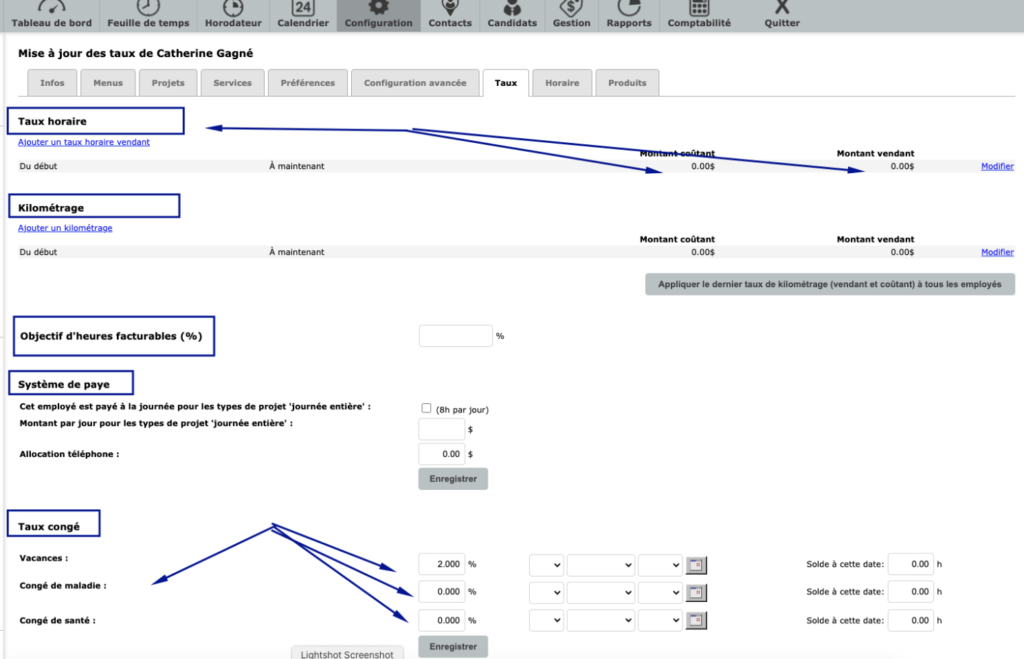
In the employee record, the RATE tab
This section allows you to display hourly rates, time banks, leave rates, vacation, health leave.
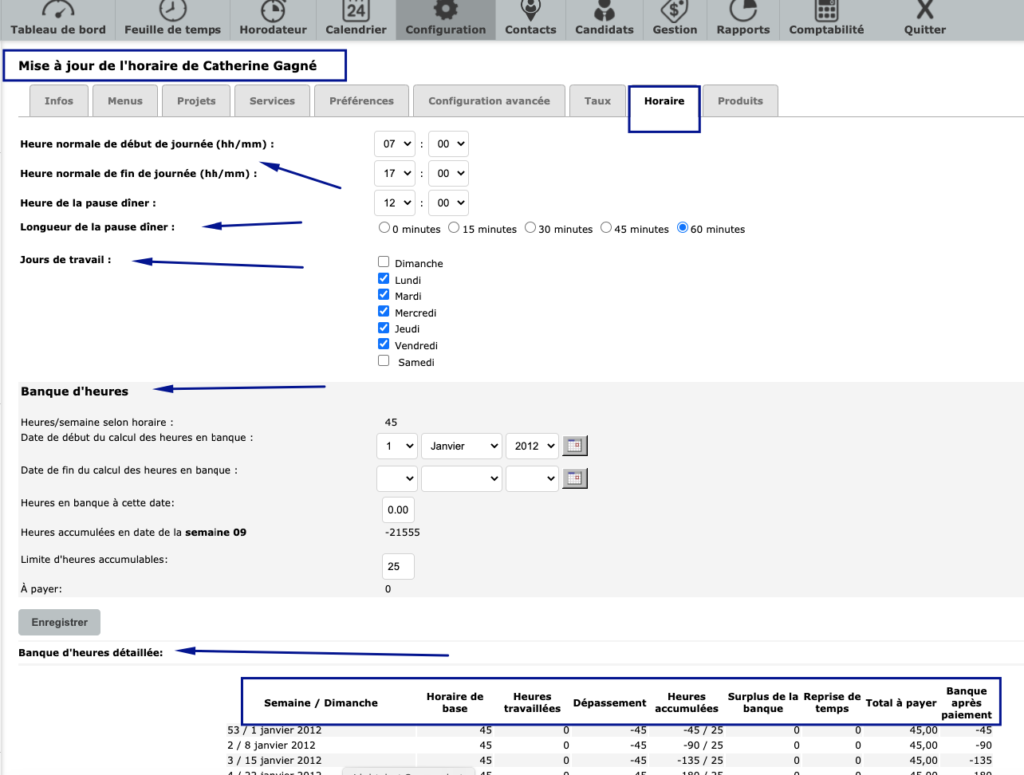
In the employee record, Schedule tab
In this section, you can note the employee’s schedule, lunch break lengths, work days, and you can also put the necessary information for employees who have time banks.
You are in recruitment and you want to simplify your operations?
Contact us
418 907-9274
info@collabox.com


