Basic, your Collabox software includes several forms created by our team to make your life easier, such as the customer or supplier file. They are very useful, but sometimes, the proposed fields are not all necessary. Did you know that it was possible to change them? We’ve added a feature that lets you hide fields you don’t want to see. This feature is called “custom forms”. If you would rather add additional fields to forms , it is necessary to refer to the function of custom fields.
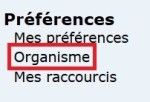
In the left bar, go to the “Preferences” category then click on “Organization”. Then click on the tab ” Custom Forms “. Then you just have to choose the form whose display you want to configure. Where can I find personalized forms? :


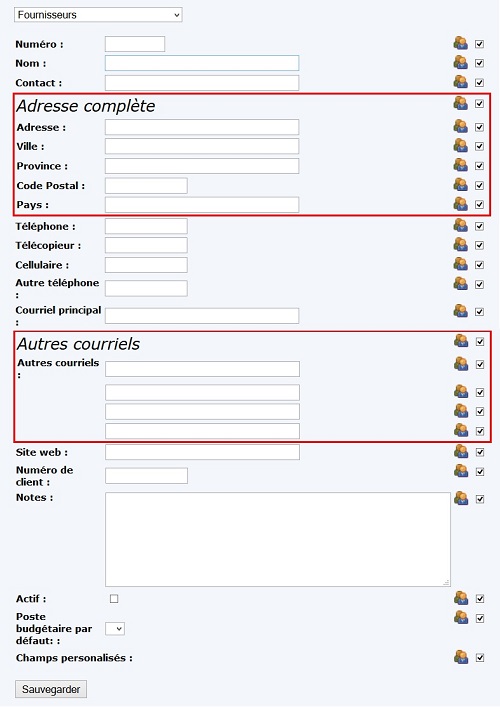
Once the form is selected, you will be able to see all the fields available in it. If the field is checked on the right, it means that it will be displayed and available in the form.
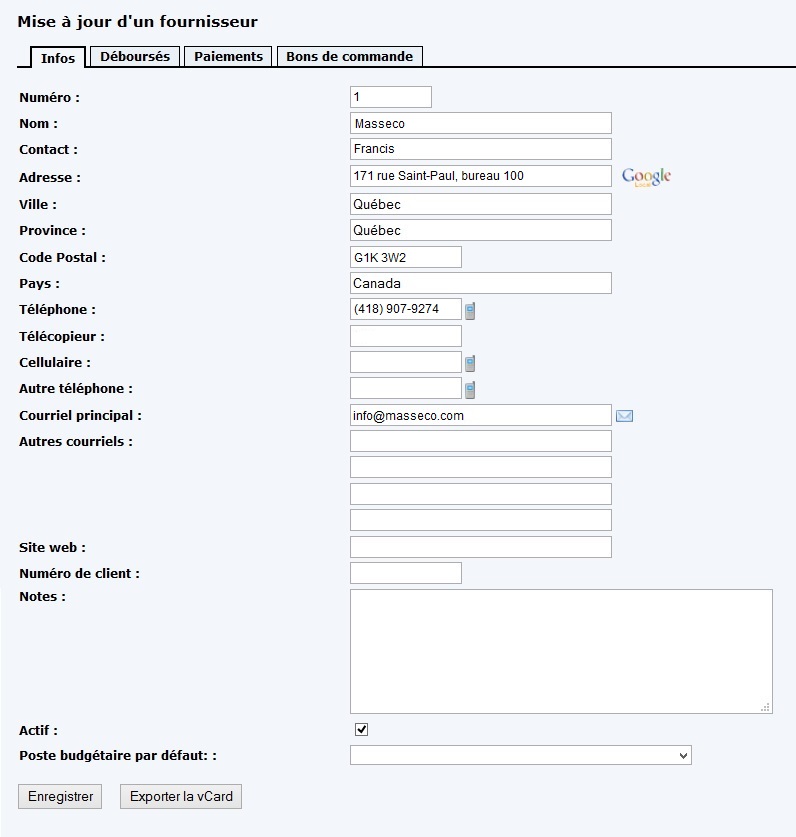
For example, if we keep all the fields checked, the form will look like this.
If you uncheck some fields, they will no longer be visible in the form.
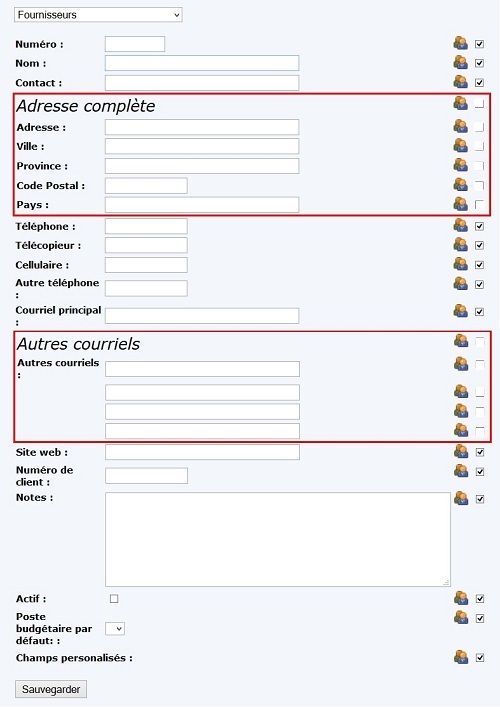
Your file will then appear as follows :
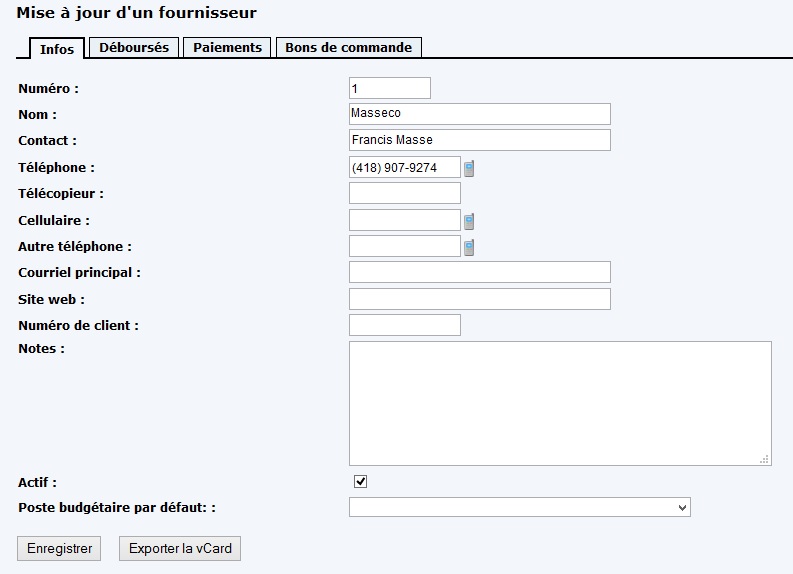
You are thus able to show and hide the fields you want in the basic forms included in Collabox. If you want to add fields instead, the custom fields feature is for you!


