Archive 2016
In the last few weeks, we have been working in secret to prepare a nice surprise for you. Several users asked us for a function to customize the colors of the Collabox. We have listened to you and it is now possible to change the colors of the Collabox. We even have new, redesigned and colorful icons to offer you. In total, that’s 19 icons redesigned in addition to five different colors for the new minimalist icons.
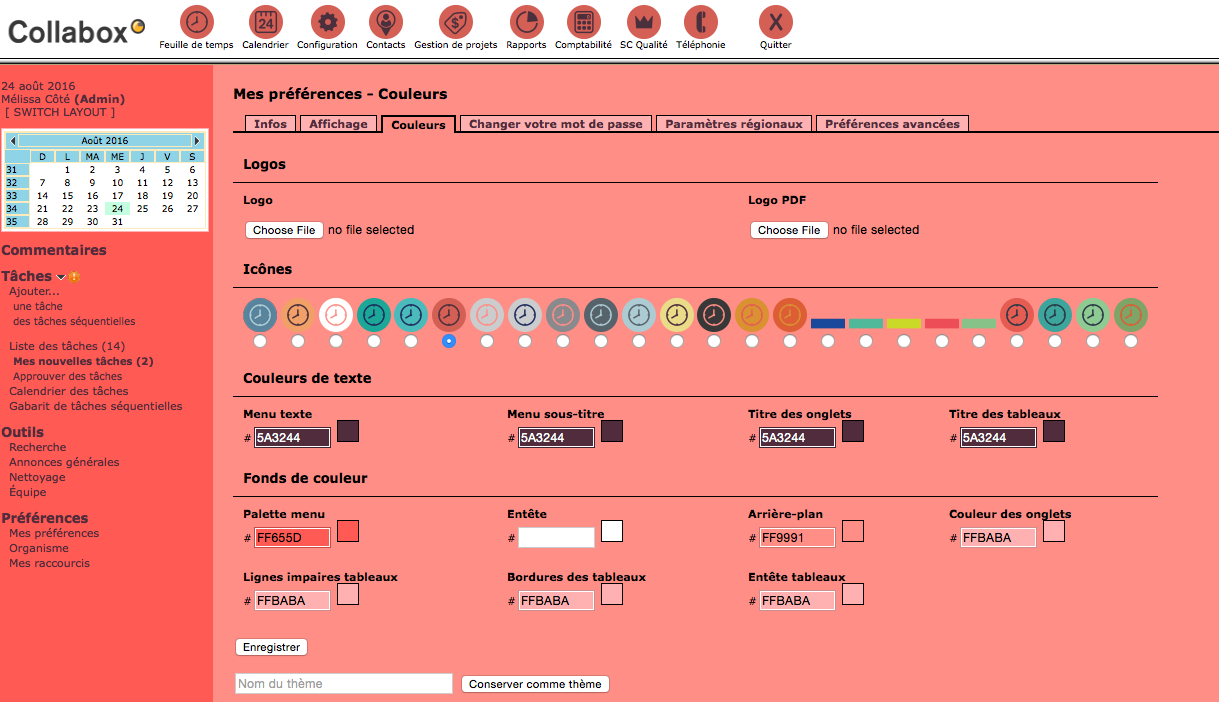
Click here for the procedure to change the colors
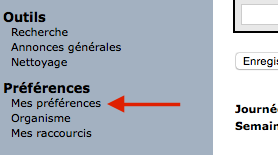
You must first click on “My preferences” in the side navigation bar.
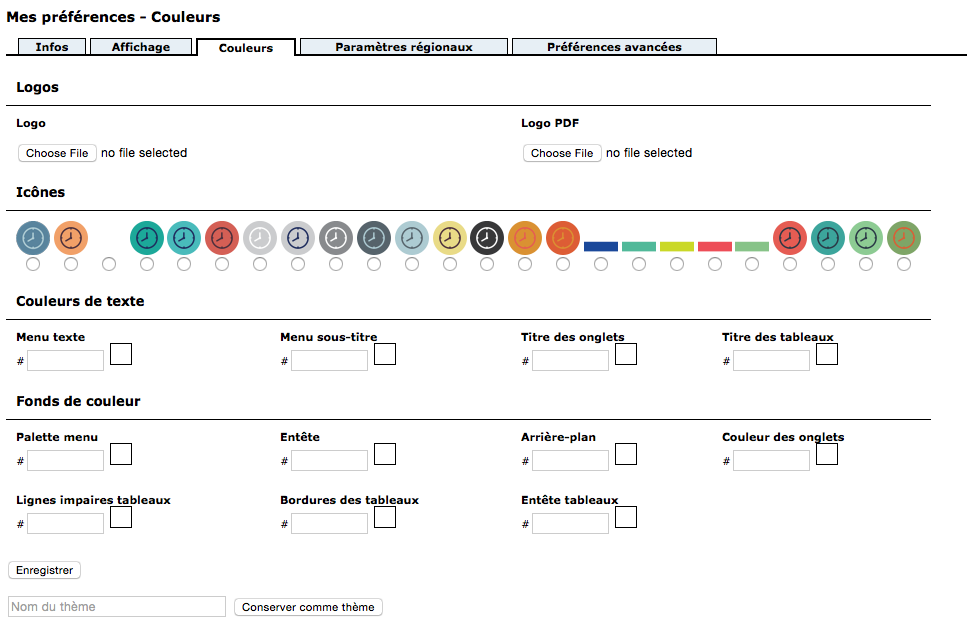
A new tab has been added specially for the modification of colors, it is “Colors”.

This news allows you to control all the options available to let go of your fool and get creative. You have the new icons, but also the options to choose the colors. We’ve also added a section at the bottom of the page that allows you to save your changes as a new theme. You just have to name it and click on “Keep as theme”. On this page you can also change the logos displayed. The “Logo” option modifies the logo located in the upper left corner of Collabox. The “PDF Logo” option modifies the logo that appears on your invoices and service offers.
Now let go to create a Collabox that matches your personality. Send us screenshots of your themes at social@collabox.com , we want to see your creations.

