You can easily update a prospecting list. First, create your prospecting lists that you can reuse year after year.
Create a list
To create a prospecting list, go to the “Contacts” tab, select “Prospecting Lists” and then click on “Add a Prospecting List”.
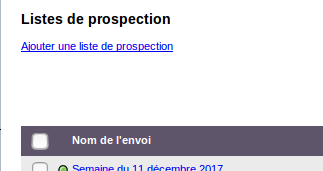
Page Prospecting lists
Name the list , then click “Save”. To add contacts, click on “Add contacts”. You can choose to Add a contact :
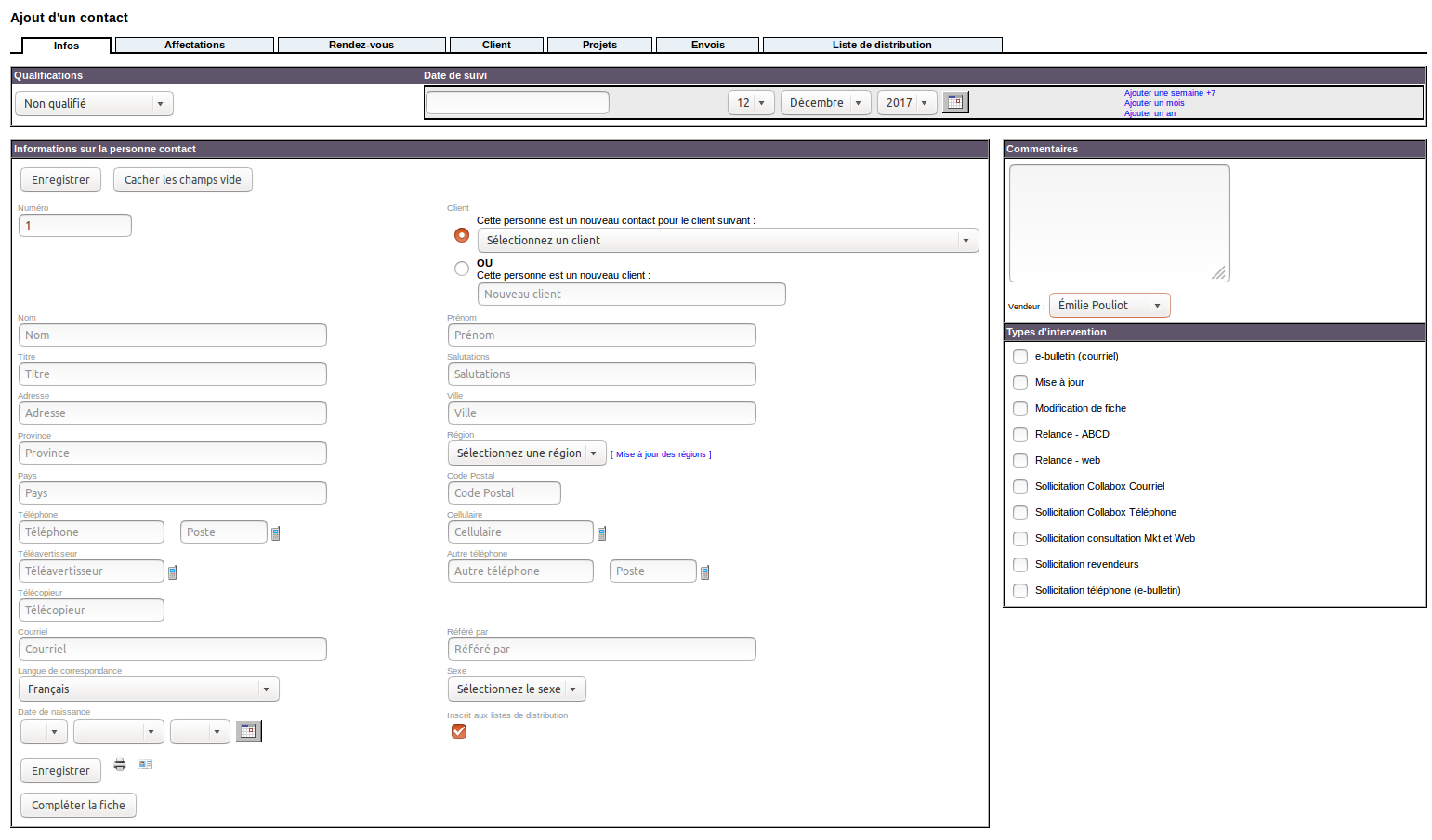
Page Adding a contact
… or import a contact :
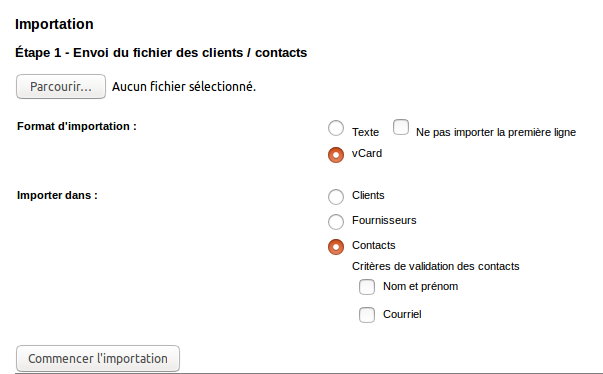
Importing a contact
To proceed more quickly, use the “Contact search” tool to search for customers by city or zip code grasped :
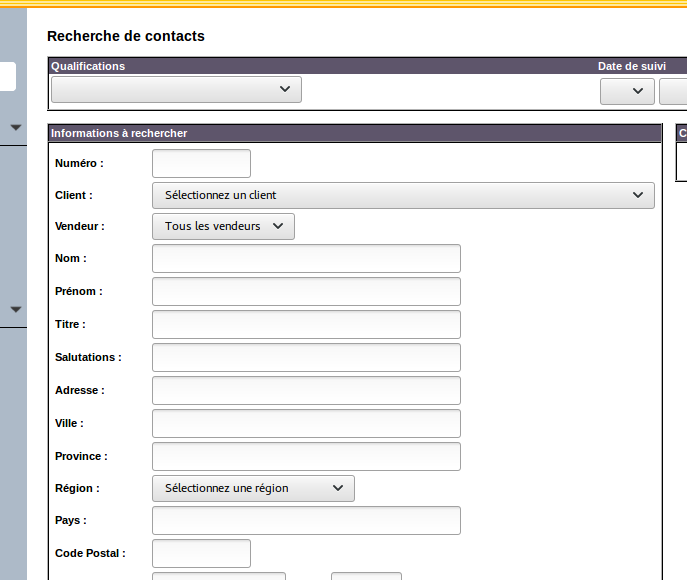
Page Contacts search
Select clients that you want to add to an already existing list or to a new list.

Page Contacts list
Then with the drop-down menu “For selection…”, go down to the “Prospecting” section and choose the desired option .

Scrolling menu
Page Contacts list
There you go, your list is complete!
Update a prospecting list
Reorganize your list or update it easily. You just have to drag and drop, on computer as well as on mobile devices, the different prospects.
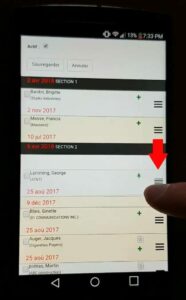
Click and drag on mobile device
Watch several videos on our Youtube channel and visit our Tips and Tricks section in the Documentary Blog to continue using the Collabox!
If you have any questions, please contact us and we will be happy to answer you.
info@collabox.com (418) 907-9274 ext. 120


