A brand new display for the agenda arrives on Collabox! Appointments that can be moved and transferred with one click, personalized displays by department and more!
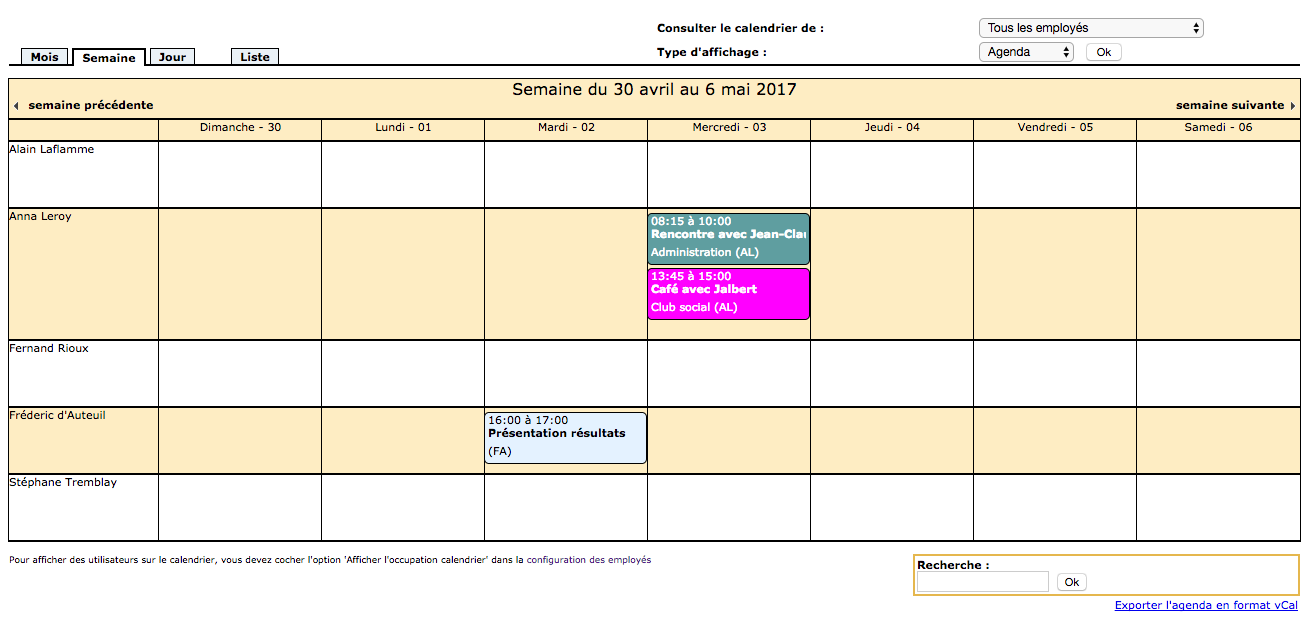
We have produced two short videos that show you the new agenda in action. They will help you better understand the new possibilities it allows. See the videos here and here.
Awesome, isn’t it? We really like it too 😊. Don’t forget that you can always click on an appointment to modify it and add a category (color) to differentiate it.
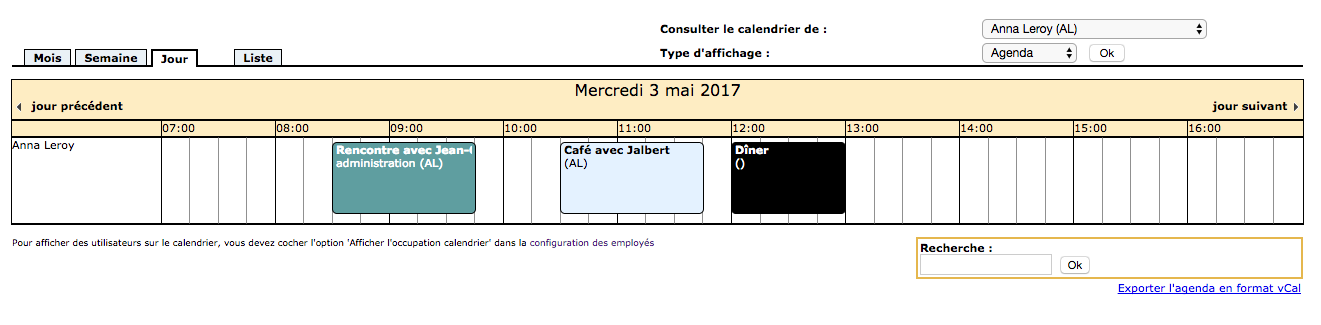
Change the calendar interval
Change the calendar interval
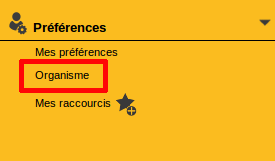
Is the display interval too small or too large? No problem ! A little trick in your settings and you’re done. First click on “Organization” in the side navigation bar.
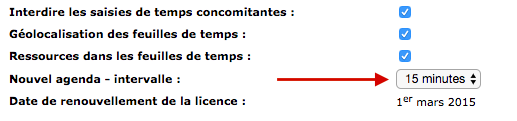
At the bottom of the page you will see the line “New schedule – interval”. Choose what works for you and don’t forget to click “Save” at the bottom of the page.
Title
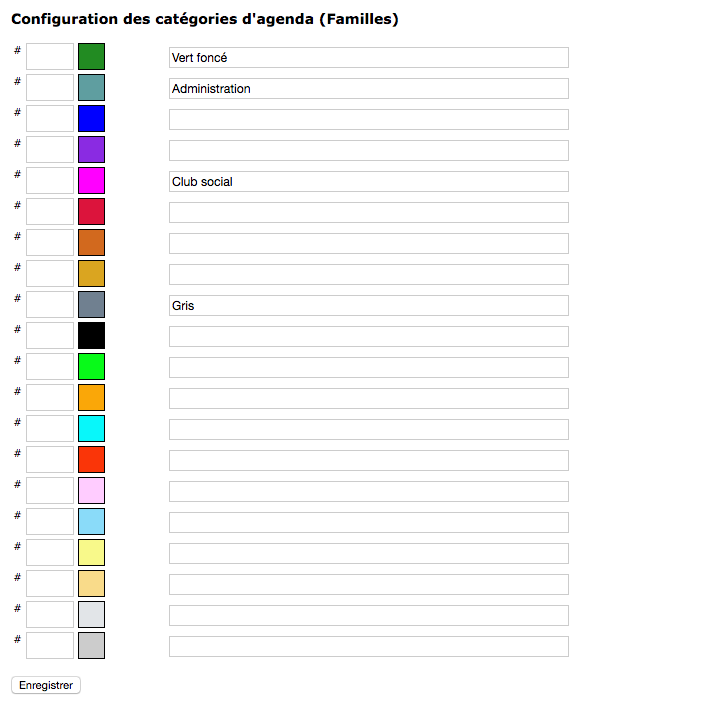
Now that you know how to use your new planner, it’s time to organize it and explore the categories. These are used to make your different appointments stand out, for example everything related to administration is in dark green and social is in pink.
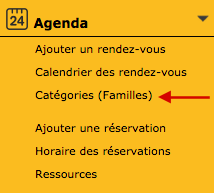
To modify your categories, click on “Categories (Families)” in the side navigation bar.
You can then assign a category to each color. If you don’t like the colors, change them! The small empty box to the left of the color is used to enter a new color code. Use this site to choose a color and get its code .
Watch several videos on our Youtube channel and visit our Tips and Tricks section in the Documentary Blog to continue using the Collabox!
If you have any questions, please contact us and we will be happy to answer you. info@collabox.com (418) 907-9274 ext. 120



