Two birds with one stone!
Kill two birds with one stone and use the agenda and the timesheet simultaneously! Turn your appointment into a timesheet. Read on to find our pro tip and make the most of your time.
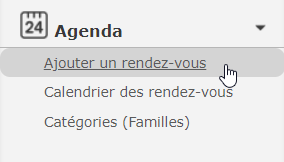
To begin, create an appointment in your calendar from the menu on your left.
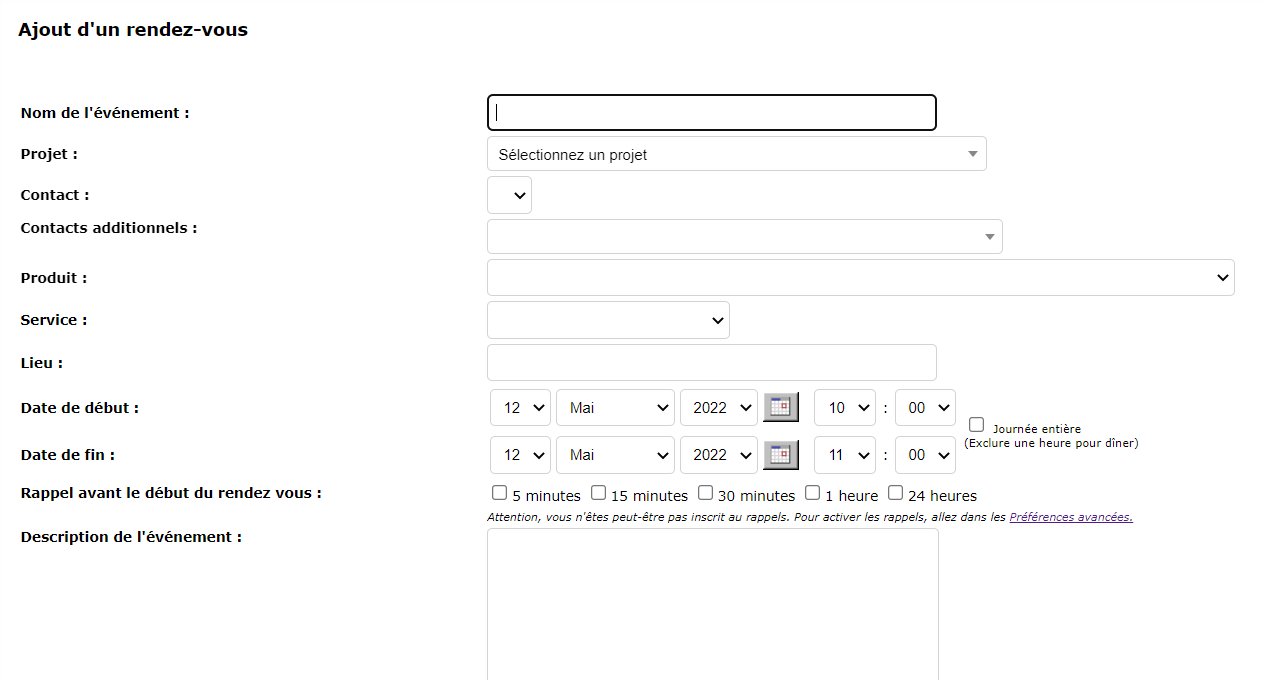
Then, add key information including the title, project, department, and start and end times of the appointment.
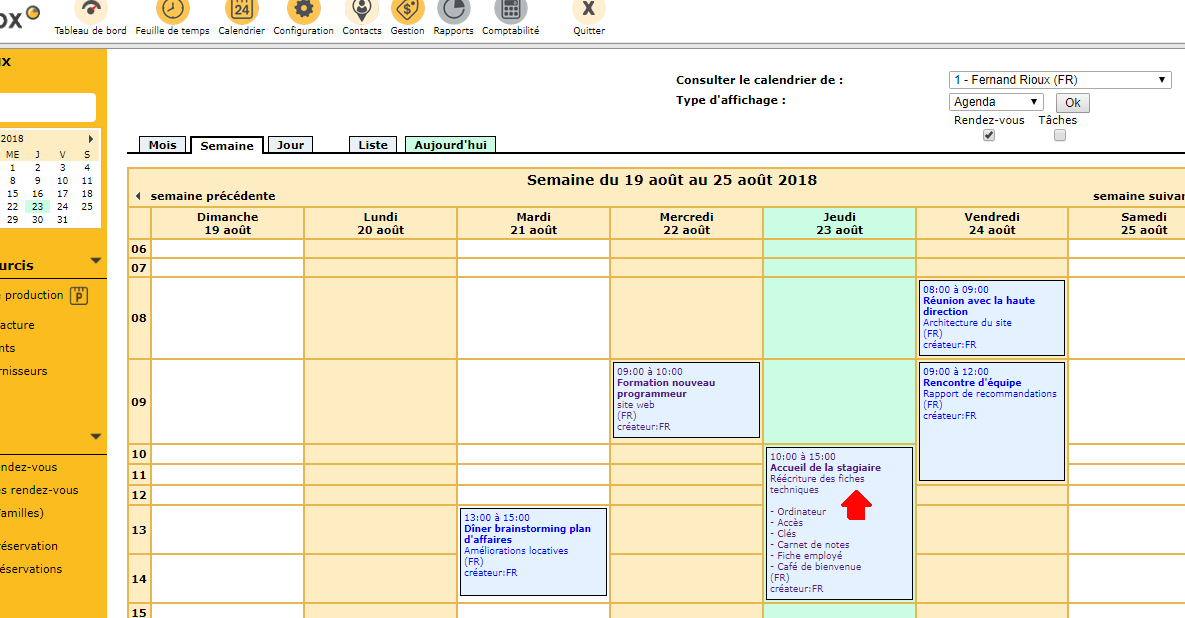
You will be automatically redirected to your calendar.
Turn your calendar appointment into a timesheet
Click on your appointment as if you wanted to update it.
Then scroll down to the bottom of the page. Select “Create a timesheet”.

A page will open on your timesheet on the right day. All the information you have entered in the appointment form will be copied, including the comments.
Please note that you cannot create a timesheet for an upcoming appointment. The latter must be completed.

The last step, but not the least: save your new timesheet entry and see how efficient you are!
Finally, use the agenda for your timesheets, it’s quick and easy!
Questions? Contact us !


